Back to Company handbook

Onboarding essentials


In your first days and weeks, we’ll help you get settled and set up for success. You’ll receive an onboarding plan by email so you can start working through your software setup. There are no silly questions here. If you’re unsure about anything, just ask. We’re here to help!

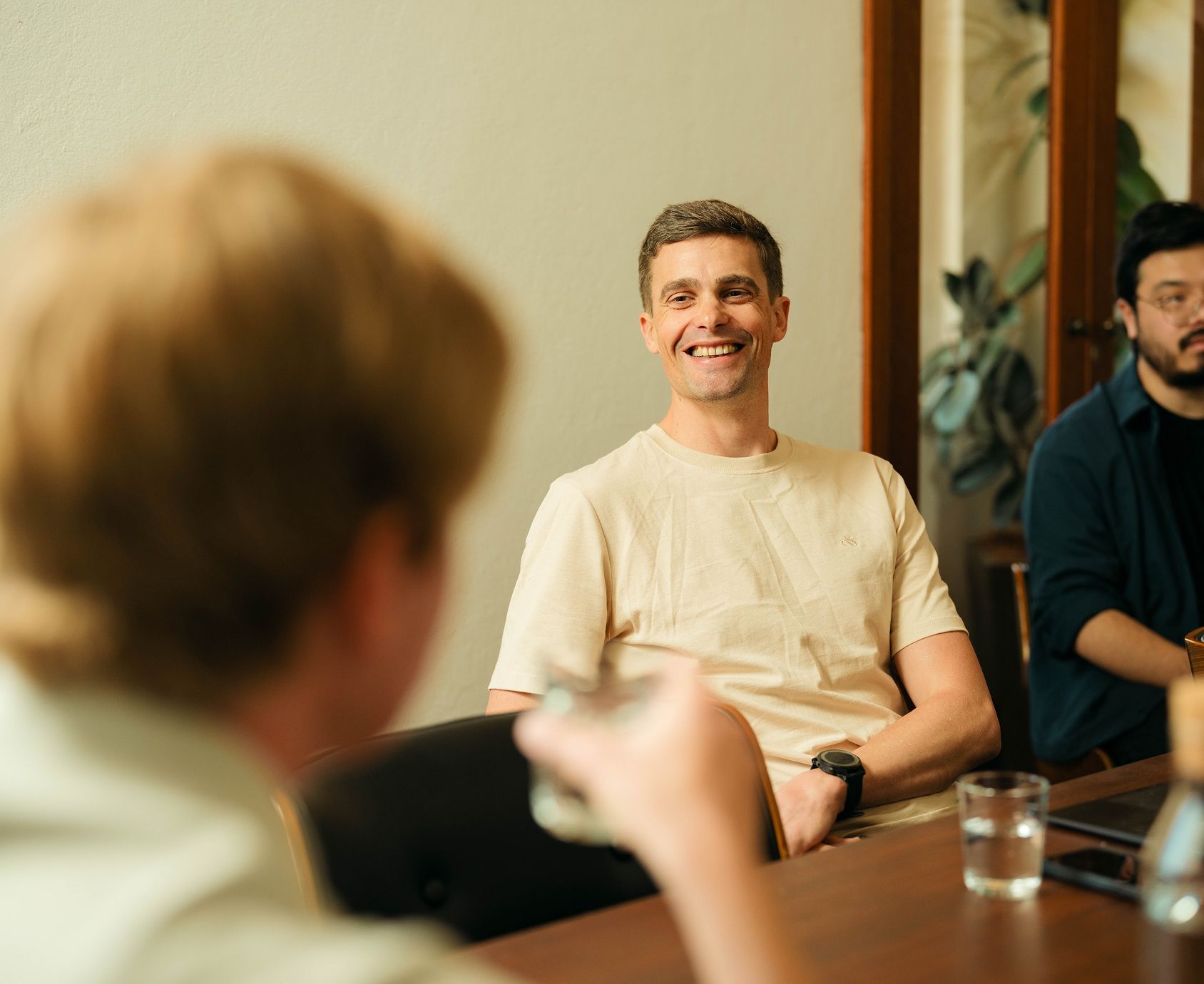
Airteam working at a table

Typical first week schedule

Here’s what your first week at Airteam will look like.

Good morning check-in

Each morning, say hello to your new crewmates on Slack and let us know you’re online for the day. We all check in via the 🔐 #air-peoplemovements channel.

Onboarding session

Our Head of Crew and Culture, Laura, will invite you to a Zoom call and please feel free to bring your favourite brew along! In this session, we’ll help you get your tech set up and walk you through the tools and systems we use every day. We’ll also go through your onboarding plan and outline what to expect in your first week.

Welcome chat with your manager

You’ve probably already met your manager during the interview process, but this is a chance to get to know each other better, chat about current projects, and talk through how to get started in your first week. Bring along any questions!

Company training session

You’ll find our training requirements in the company-wide training section. We’ll also give you a tour of our management system, including our ISO 27001 and 9001 standards for security, quality, and how we work as a team.

Virtual welcome lunch

Meeting the team is one of the best parts of your first week! Join us for a friendly virtual lunch, bring your sandwich or cook along in real time, and get to know the faces behind the screens. If you have pets, we’d love to meet them too.

Connecting with the team

We’re a fully remote team, so we stay connected on Slack and Zoom for both work and fun. In your first week, you’ll have one-on-ones with some of your new crewmates. We also run daily standups and monthly company updates. While you’re settling in, check out the team’s icebreakers on Canopy and feel free to message anyone on Slack to say hi.

Patrick Goffin, Executive Director - Commercial

Patrick Goffin

Executive Director - Commercial

Works closely with clients to turn complex software challenges into practical, commercially successful digital products.

Rich Atkinson, Executive Director - Technology

Rich Atkinson

Executive Director - Technology

Enjoys untangling complex technical problems before they become expensive delivery problems.

Ben Mullaley, Head of Operations

Ben Mullaley

Head of Operations

Oversees delivery operations, ensuring complex projects remain coordinated, predictable and transparent.

Laura Zucchetti, Head of Crew & Culture

Laura Zucchetti

Head of Crew & Culture

Builds the people, culture and systems that keep our team collaborative, supported and doing their best work.

Nick Simpson, Head of UX

Nick Simpson

Head of UX

Leads research and design to ensure software reflects and responds to how people actually work.

James Newton, UX / UI Designer

James Newton

UX / UI Designer

Enjoys breaking down complex problems into simple, usable interfaces that people can understand immediately.

Jen Turner, Senior Project Manager

Jen Turner

Senior Project Manager

Keeps complex projects moving, aligning client priorities, technical teams and delivery milestones from start to finish.

Wesley Young, Lead Developer

Wesley Young

Lead Developer

Solves technically complex problems across web, mobile and backend systems with clean, maintainable engineering.

James Wyse, Lead Developer

James Wyse

Lead Developer

Builds reliable software with over 15 years’ experience across web and enterprise platforms.

Nick Hu, Senior Developer

Nick Hu

Senior Developer

Enjoys tackling complex problems across front-end, back-end and cloud infrastructure, especially the ones without an obvious answer.

Sia Sajjadi, Senior Developer

Sia Sajjadi

Senior Developer

Modernises complex systems through pragmatic architecture, engineering and cloud infrastructure built to perform and evolve.

Tim Wei, Senior Developer

Tim Wei

Senior Developer

Loves solving practical problems with code, continually exploring new technologies and better ways to build software.

Slack is our main communication tool for group chats and one-on-one messages. You’ll use it to check in each day, work together on client projects, stay up to date on company news, and join social chats.

Team CVs give you a quick snapshot of each crew member’s professional background, strengths, and skills. It’s a fantastic way to get to know the talent around you and spot shared interests.

Canopy helps us connect, give shout-outs, book one-on-one meetings, and has guides for remote team building. As a new team member, you’ll be invited to answer our icebreaker questions so we can all get to know you better. You can also check out everyone else’s icebreakers too!

Our toolset

You’ll get email invites to most of these tools, so please don't create a new account just yet. If you need something that’s not listed here, just ask Laura, our Head of Crew and Culture.

Comms and collaboration

  • Slack
  • Zoom
  • Canopy

Development

  • GitHub
  • Code editor of your choice

UX tools

  • Figma
  • Miro

Operational software

  • Harvest
  • Confluence
  • Jira
  • Google Drive
  • Microsoft 365

Security

  • LastPass
  • JAMF